


Xiamen iMGS Technologies Co., Ltd.
- Production Base
- Classic Cases
- Design Awards
- Patent Certificate
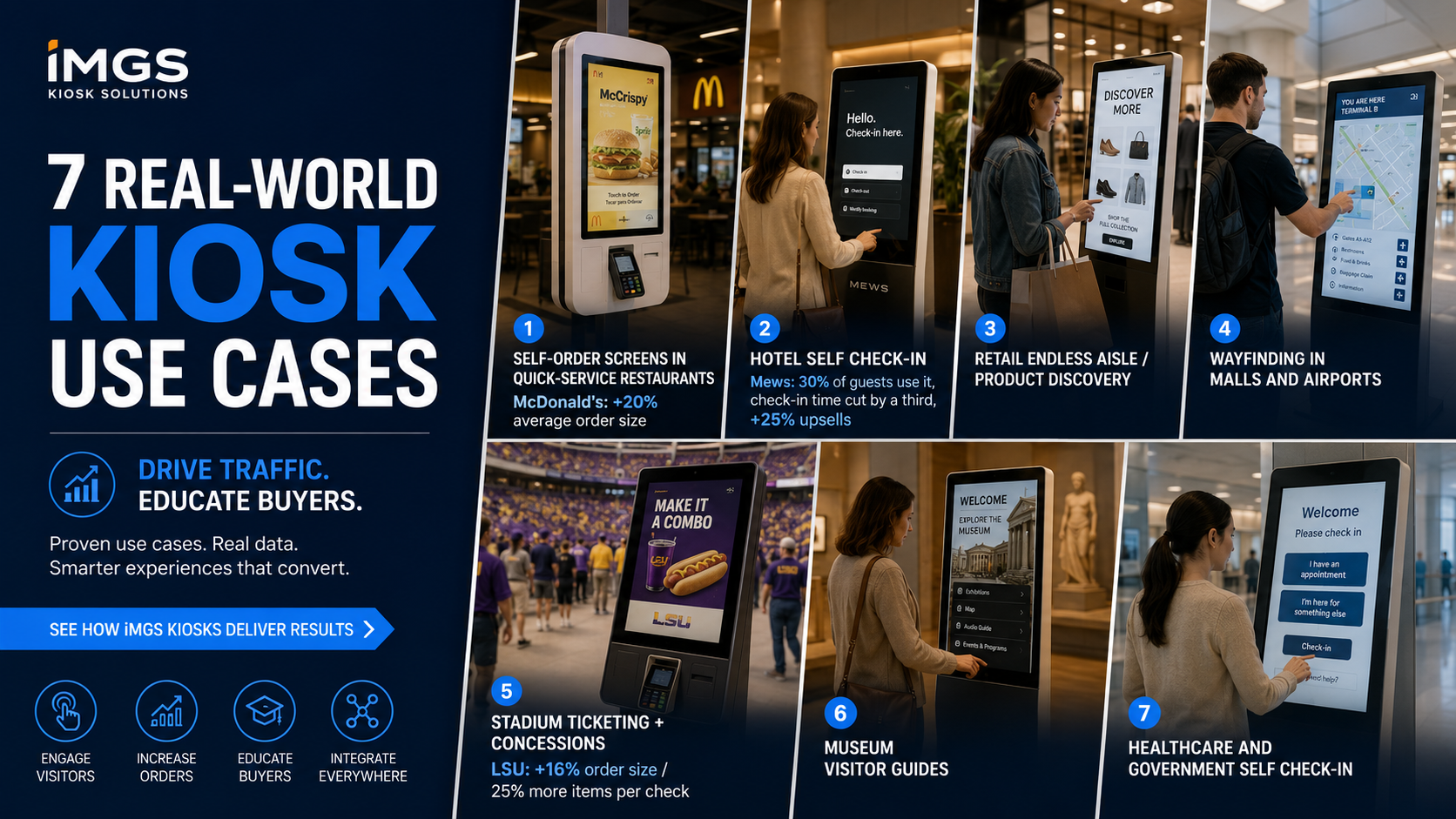
Self-order screens, hotel check-in, wayfinding, stadium concessions — the touch screen kiosk is now a standard fixture across retail and hospitality. This guide walks through 7 proven use cases, each with real numbers (McDonald's +20% order size, Mews hotels 25% higher upsells), and shows which iMGS model fits each one.
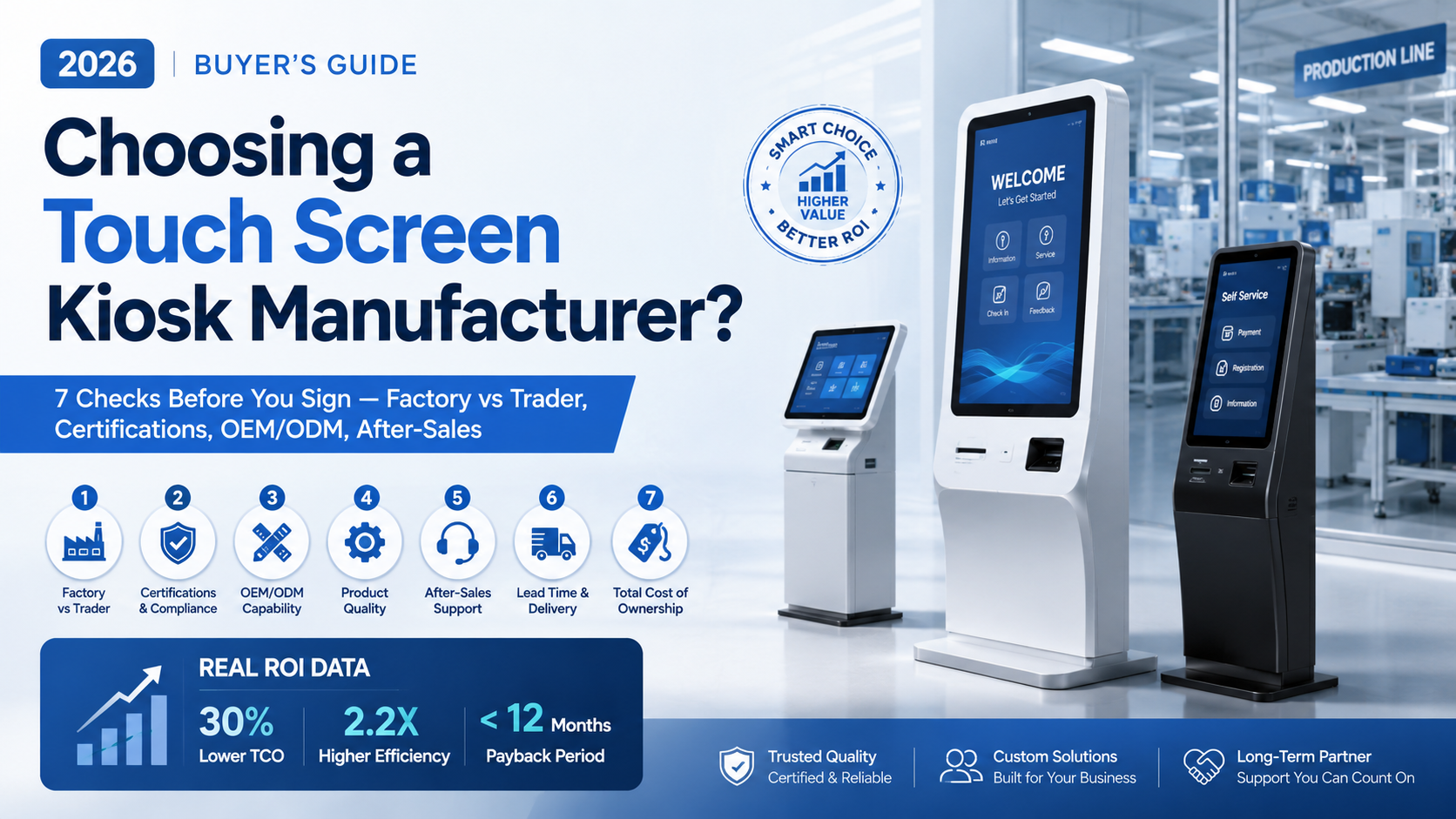
Buying self-service hardware looks easy until the first container arrives — flickering screens, silent suppliers, a "factory" that turns out to be a sales desk. This guide shows how to tell a real touch screen kiosk manufacturer from a middleman, with 7 things to check before you sign and the documented revenue kiosks deliver.
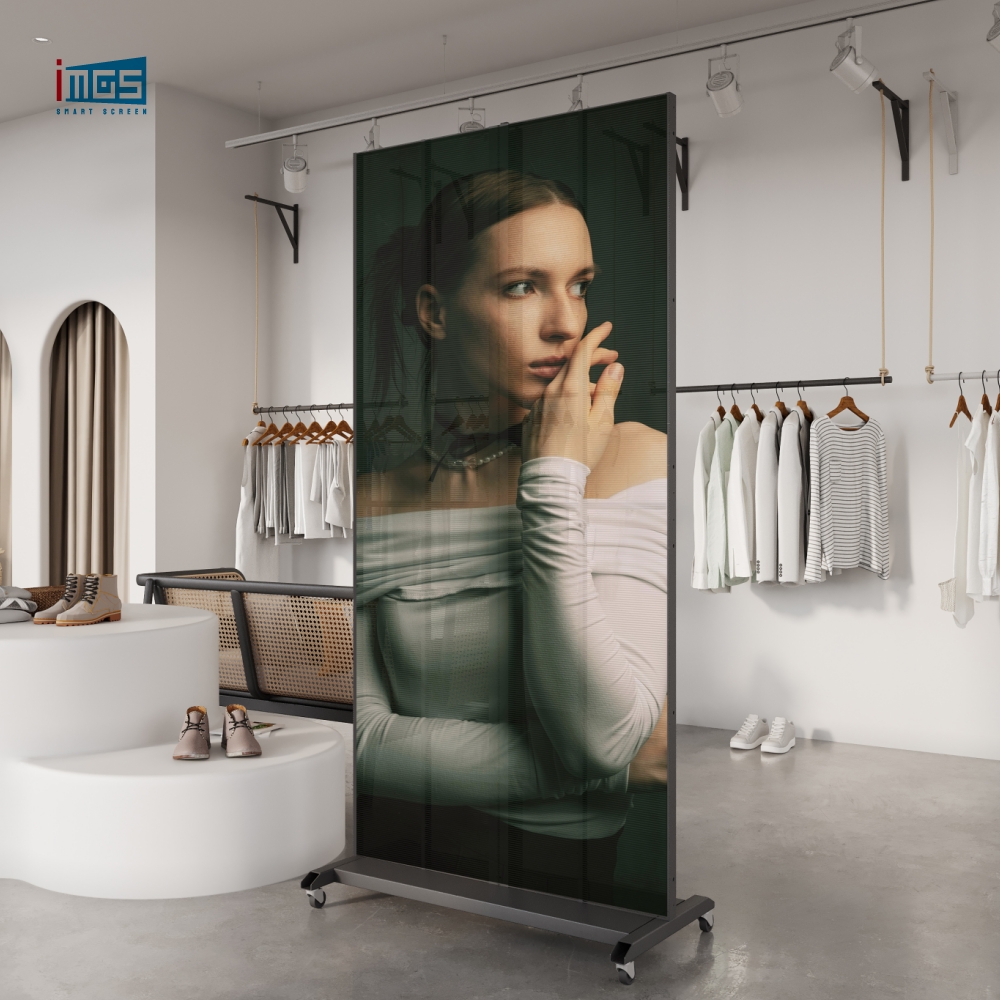
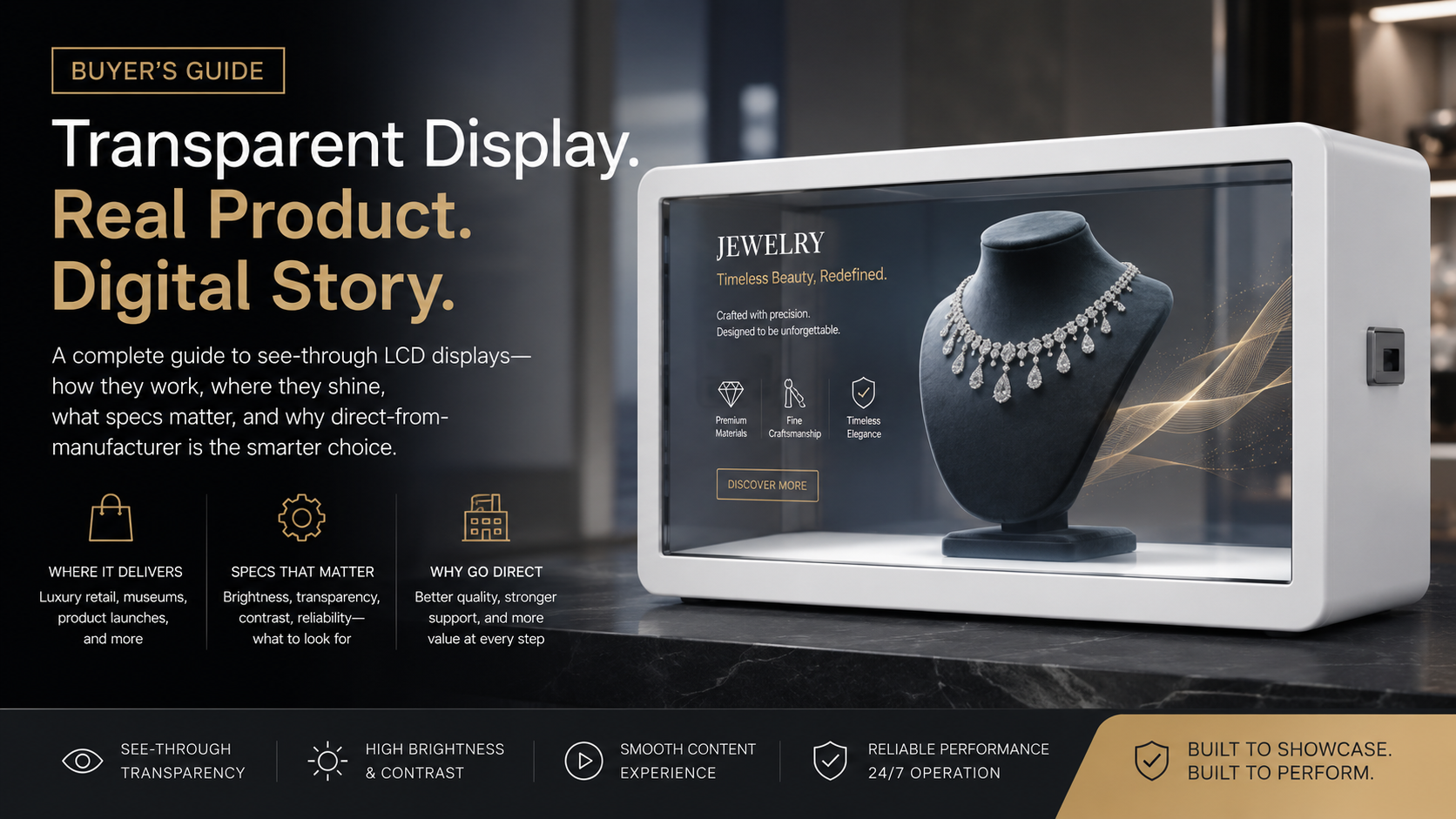
A transparent display case puts a real product behind see-through LCD glass while playing video and graphics across the same surface — so shoppers see the genuine object and the digital story at once. This buyer's guide breaks down how the format works, where it earns its premium (luxury retail, museums, product launches), the specs that actually matter, and why sourcing direct from a manufacturer beats buying through a reseller.
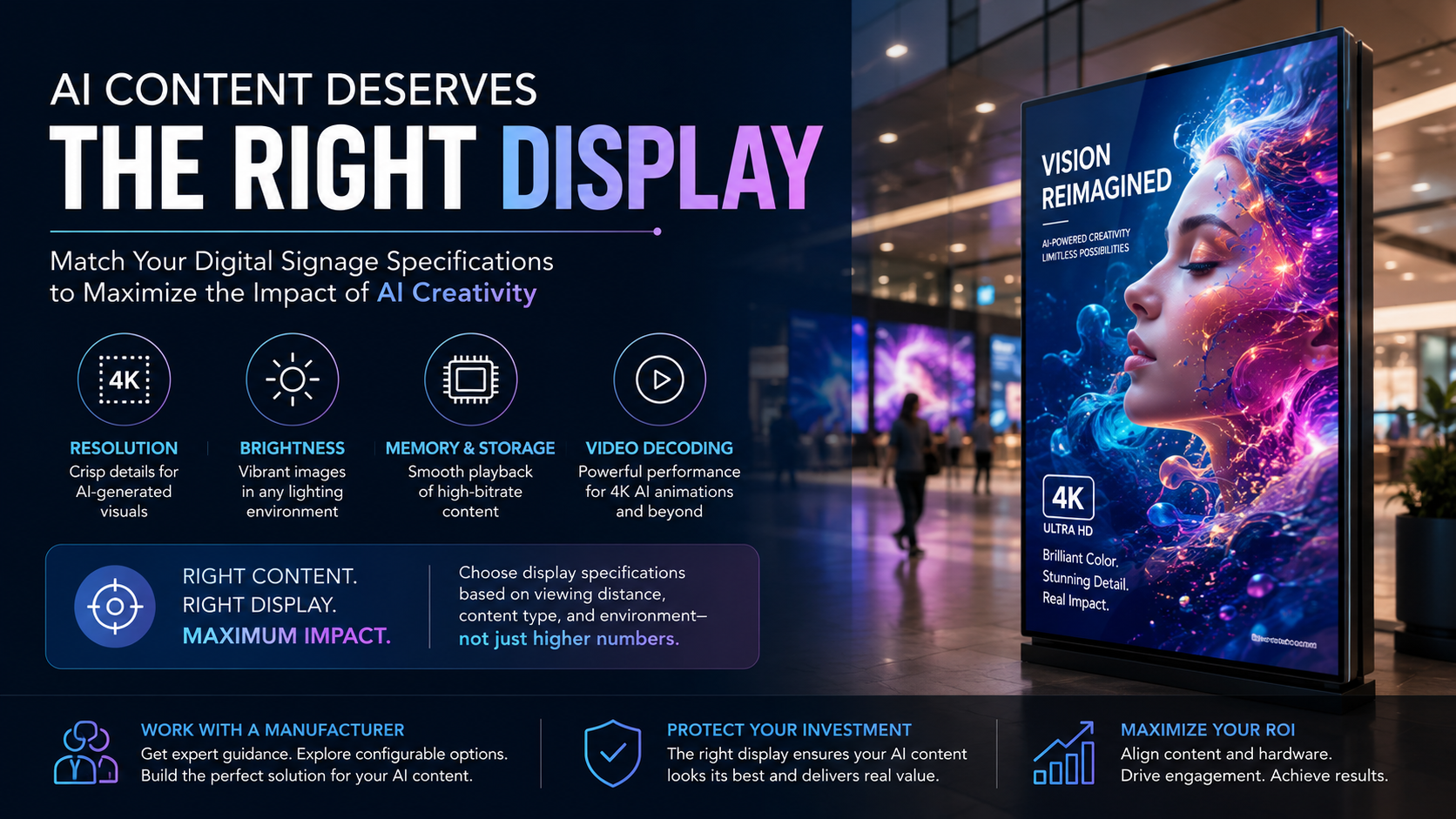
This guide explains how AI-generated content changes the requirements for digital signage hardware and which specifications truly impact visual performance. From resolution and brightness to memory, storage, and video decoding capabilities, the article identifies the display features that matter most when showcasing AI-created images and motion graphics. The key takeaway is simple: investing in AI content only delivers value when the display is specified to match. A 4K AI render, rich gradients, and high-bitrate animations can lose much of their impact on underpowered screens. Buyers should therefore evaluate display specifications based on viewing distance, content type, and deployment environment rather than assuming higher specifications are always necessary. The guide also highlights the importance of working directly with a digital signage manufacturer that can provide detailed technical guidance and configurable hardware options. By aligning content requirements with the right display specifications, organizations can maximize the return on both their AI creative investment and their digital signage infrastructure.
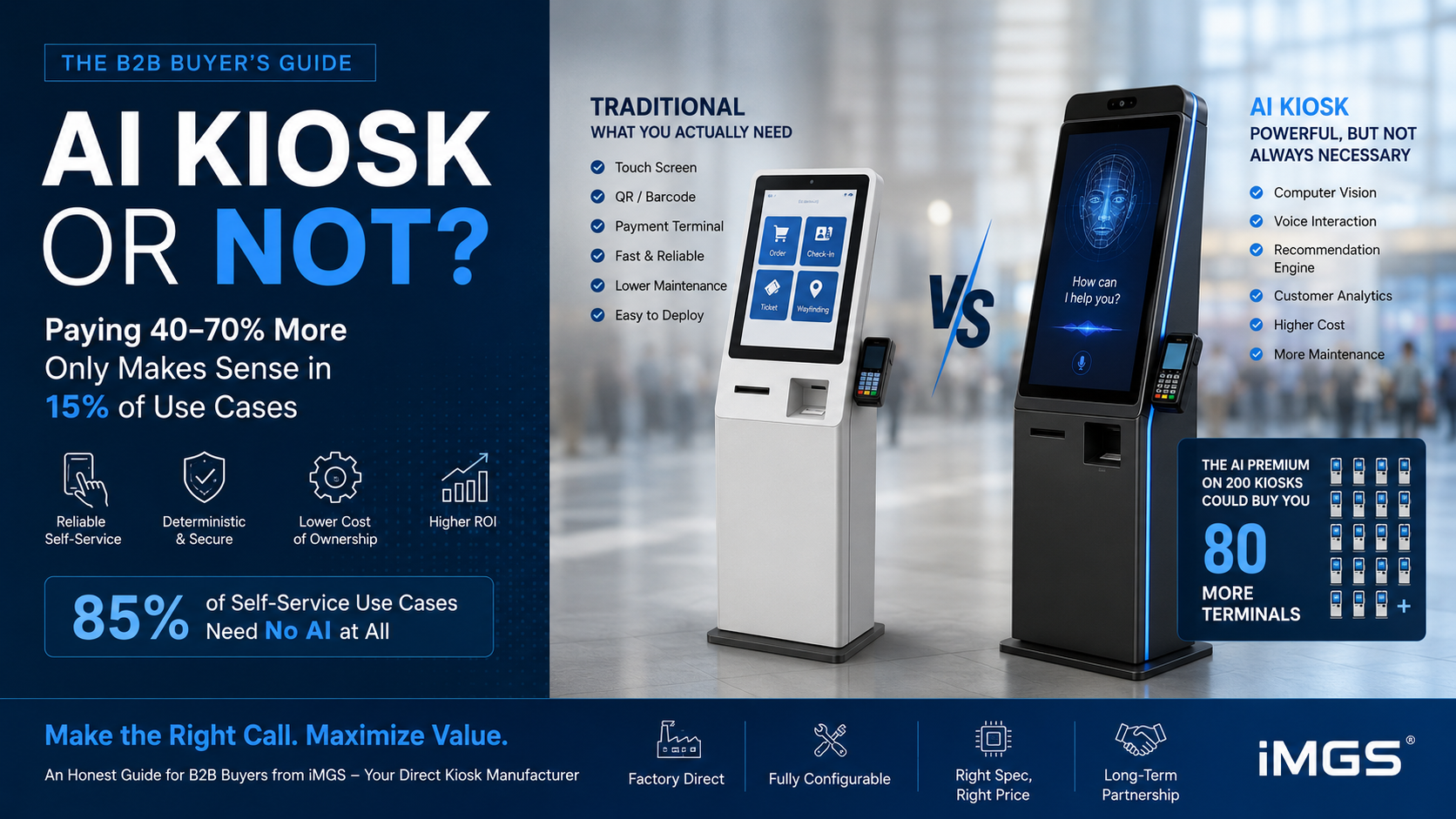
Every supplier is pushing "AI kiosks" right now, but for B2B buyers the real question isn't whether AI is impressive — it's whether the 40–70% price premium is justified for your specific use case. This guide draws that line clearly. It explains what a traditional touch screen kiosk actually does (reliable, deterministic self-service for ordering, check-in, ticketing, and wayfinding), what genuinely makes a kiosk "AI" (computer vision, voice interaction, recommendation engines), and lays out a side-by-side comparison across cost, RAM, camera, maintenance, privacy compliance, and reliability. The core message is contrarian and buyer-friendly: roughly 85% of self-service use cases need no AI at all, and over-specifying is a common, costly mistake — the AI premium spread across 200 ticketing kiosks could instead fund 80 additional terminals. AI earns its cost only in narrow scenarios like personalized retail, high-value upsell, and customer analytics. The article closes with a 8-point buyer decision framework and notes that sourcing from a direct manufacturer lets buyers configure the exact spec — traditional or AI — without paying for unused features. This honest-advisor angle builds more trust with B2B buyers than a typical promotional piece, while reinforcing iMGS's positioning as a knowledgeable factory partner.
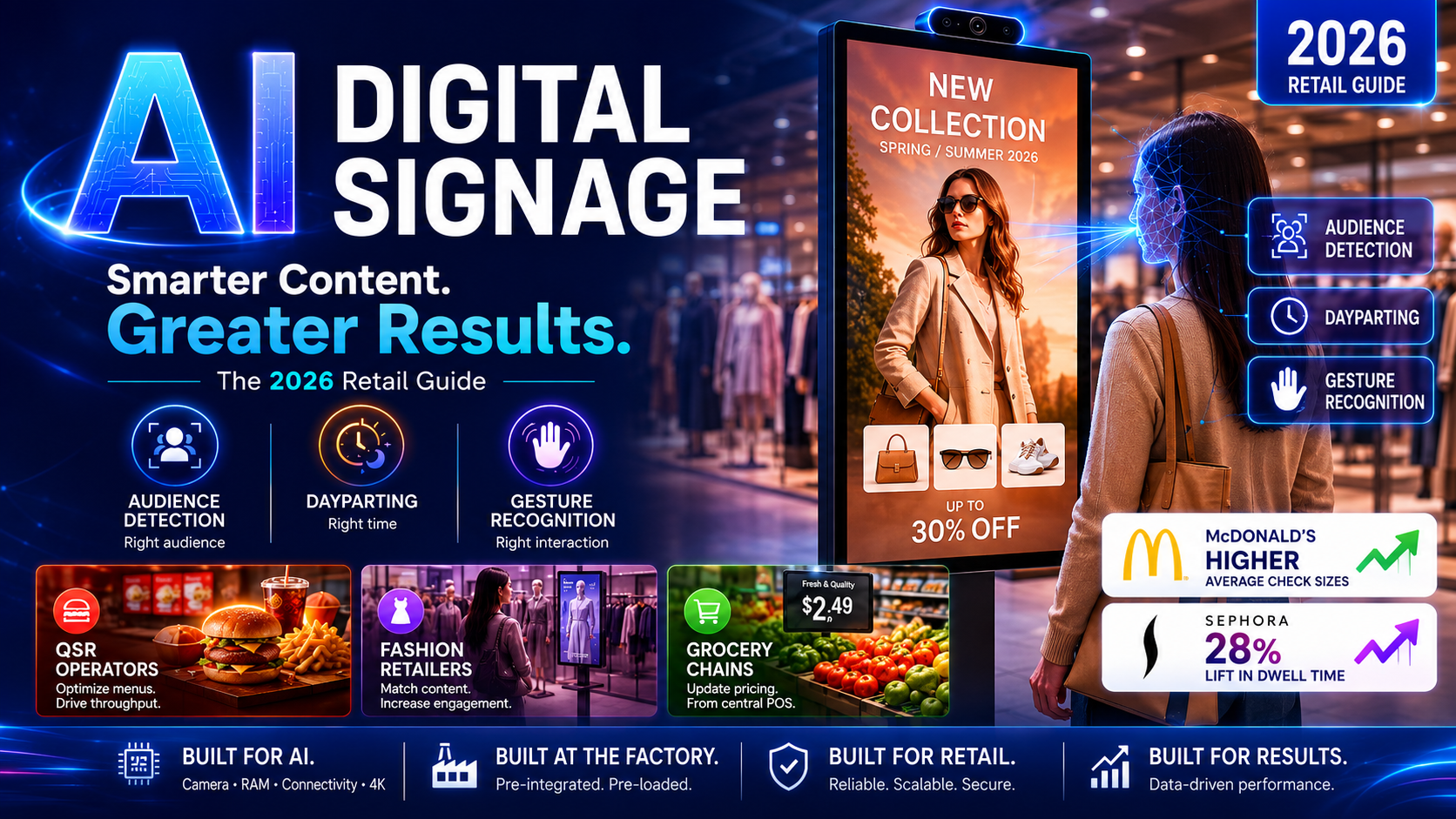
In 2026, AI digital signage is reshaping retail advertising by serving the right content to the right audience automatically — no manual scheduling required. This guide breaks down what AI actually does on a commercial display (audience detection, dayparting, gesture recognition), what hardware specs are needed to support it (camera module, 4GB–8GB RAM, stable connectivity, 4K resolution for AI-generated content), and which retail segments are moving fastest: QSR operators optimizing menu boards for throughput, fashion retailers matching content to shopper demographics, and grocery chains updating shelf pricing from a central POS. Real deployment data from McDonald's and Sephora shows measurable results — higher average check sizes and a 28% lift in dwell time respectively. The guide closes with a hardware buyer checklist and a breakdown of why sourcing directly from a digital signage manufacturer matters more for AI deployments than for standard display purchases: camera integration, RAM configuration, and software pre-loading all need to be handled at the factory level, not retrofitted after delivery.
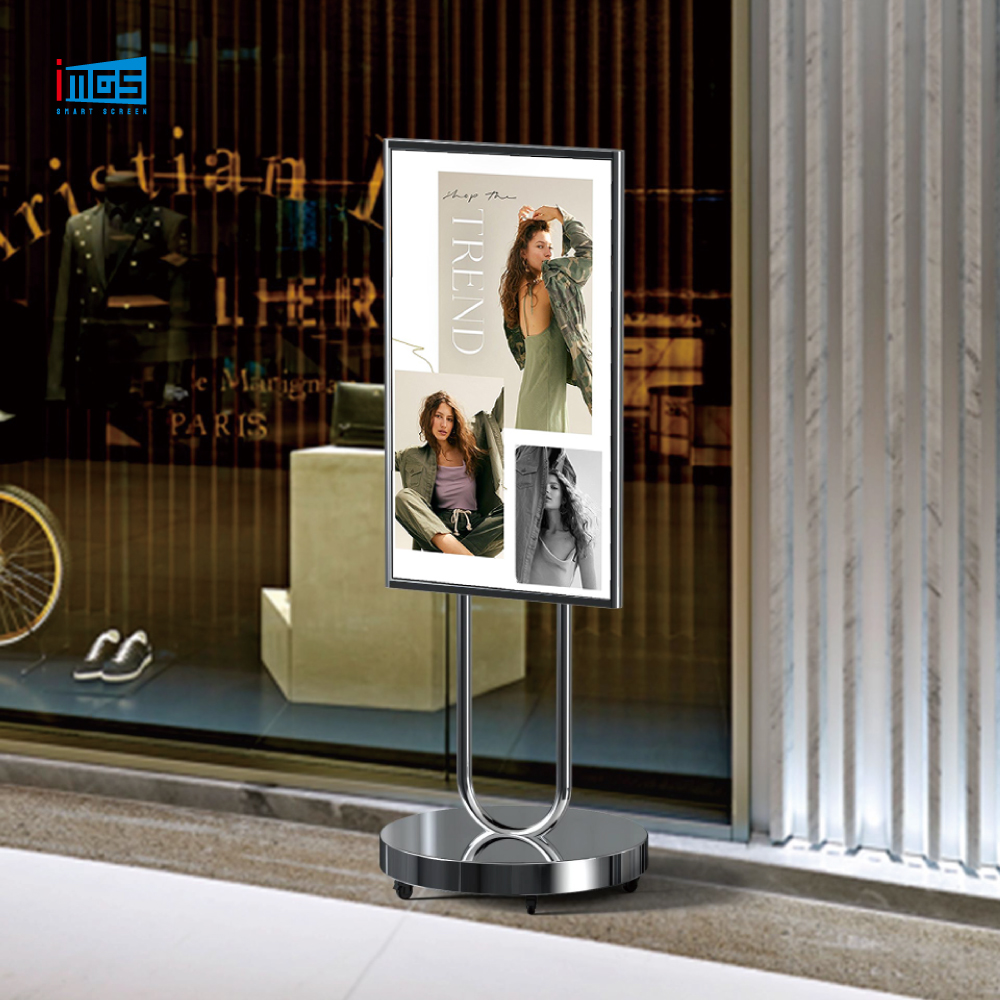
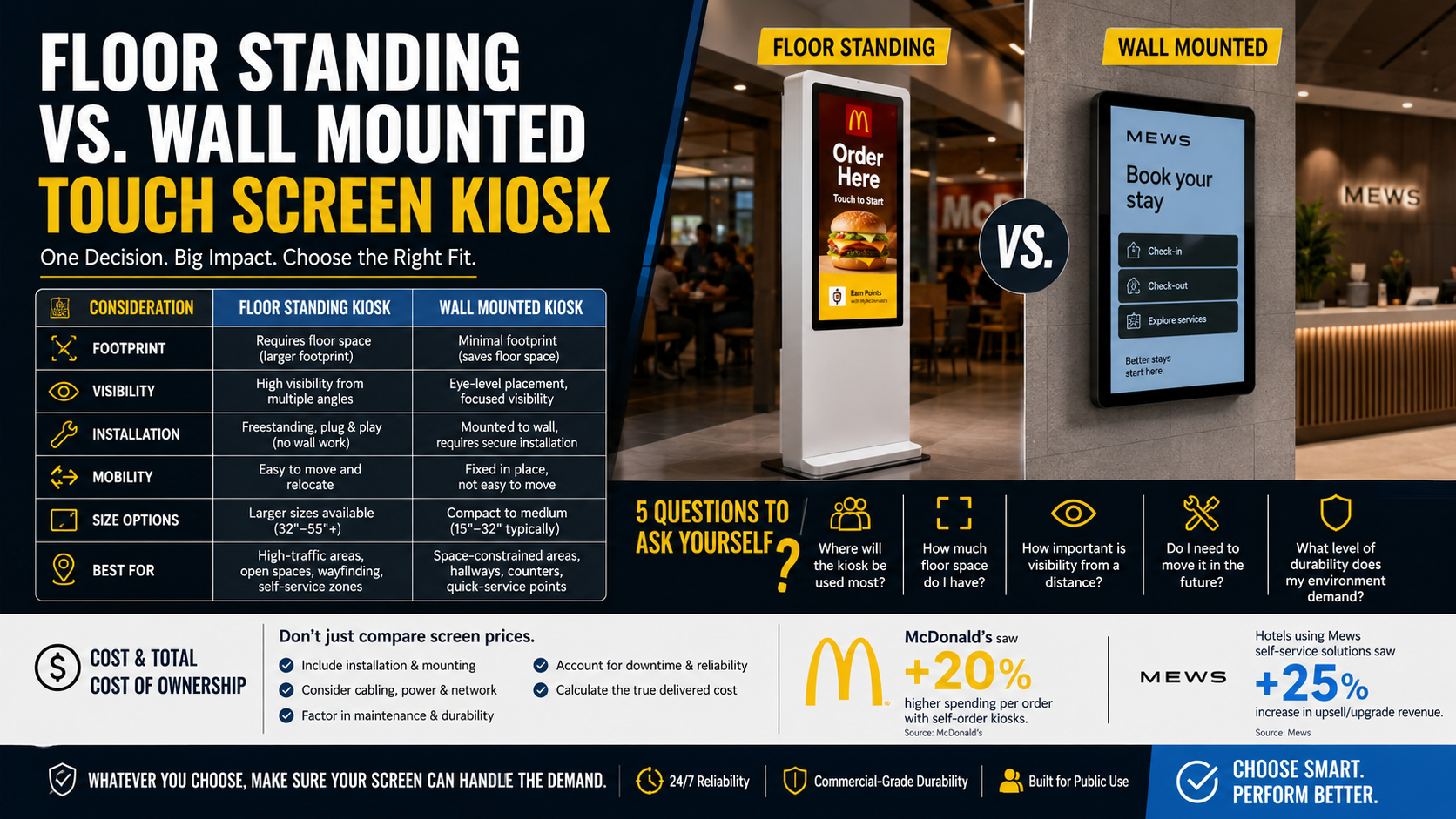
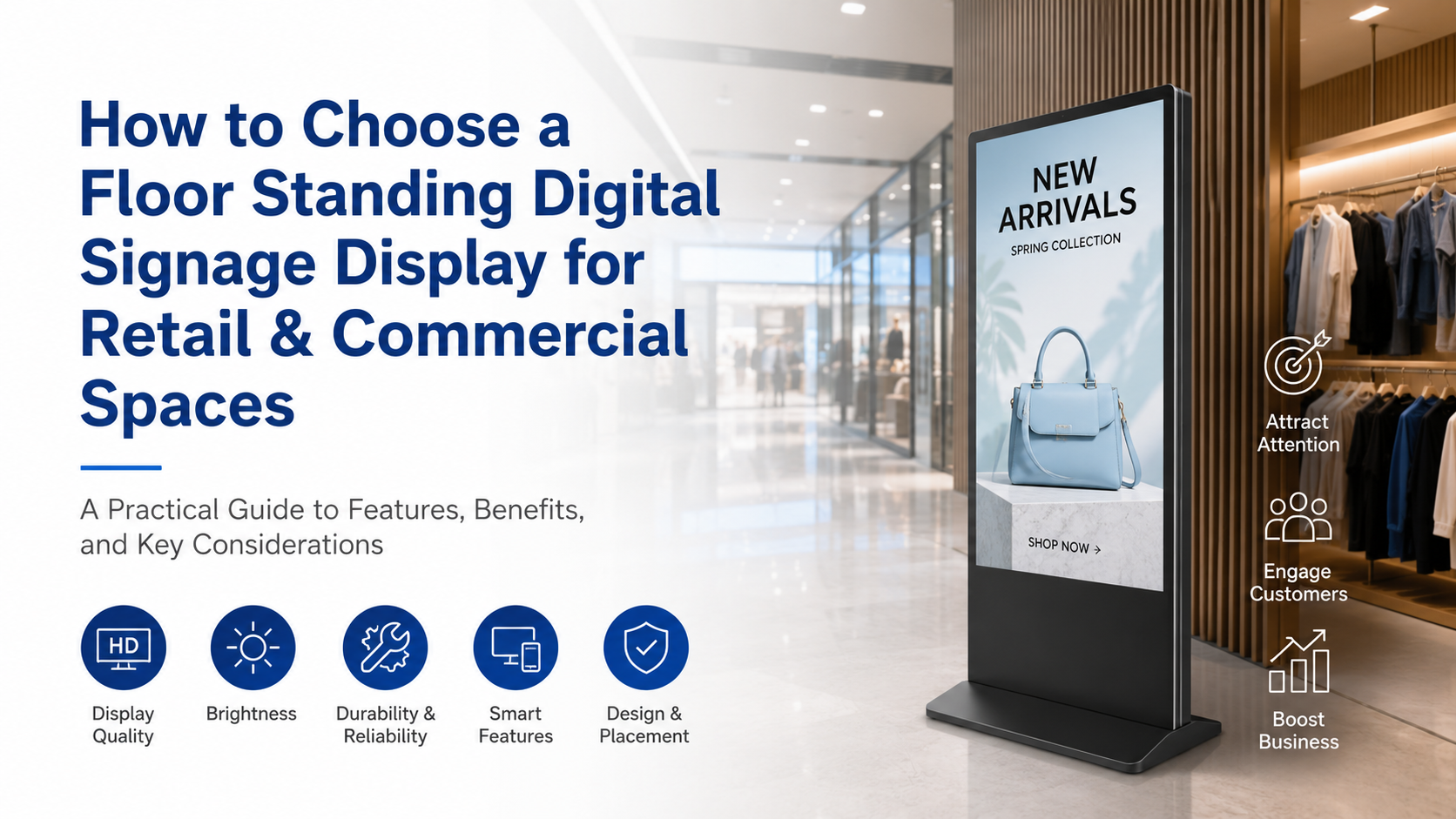
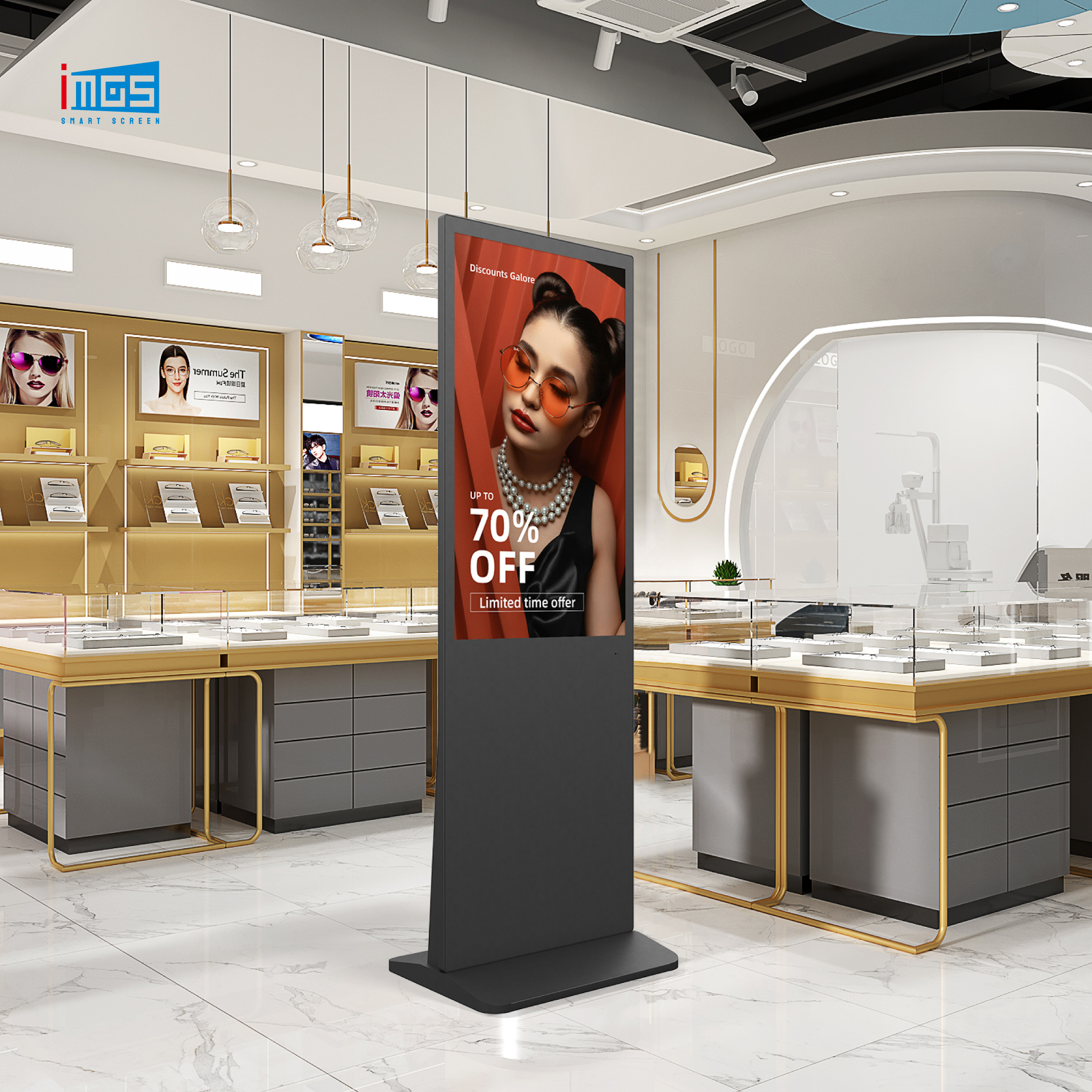
Floor standing digital signage has become the go-to format for high-traffic commercial spaces — no wall mounting, no structural work, just plug in and go. But not every unit delivers the same performance. This guide breaks down the five key specs buyers need to evaluate: screen size and aspect ratio, resolution (1080p vs. 4K), brightness for your lighting environment, touch vs. non-touch, and Android OS configuration. You'll also find real deployment data from McDonald's and Nike showing measurable ROI, a practical buyer checklist, and a breakdown of why sourcing directly from a digital signage manufacturer saves 40–60% versus buying through distributors. Whether you're deploying one screen or rolling out a fleet, this guide gives you the framework to specify the right hardware the first time.
LED poster displays are transforming how retailers and brands communicate in-store. In this guide, we cover everything B2B buyers need to know before sourcing: how pixel pitch affects viewing quality, the four specs to request from any LED display manufacturer, and how brands like Zara and Samsung have used LED poster screens to drive measurable engagement. We also compare LED poster displays against LCD digital signage and share a procurement checklist to help you avoid common sourcing mistakes. If you are evaluating LED poster display options for retail, events, or multi-site rollouts, this guide is the starting point.